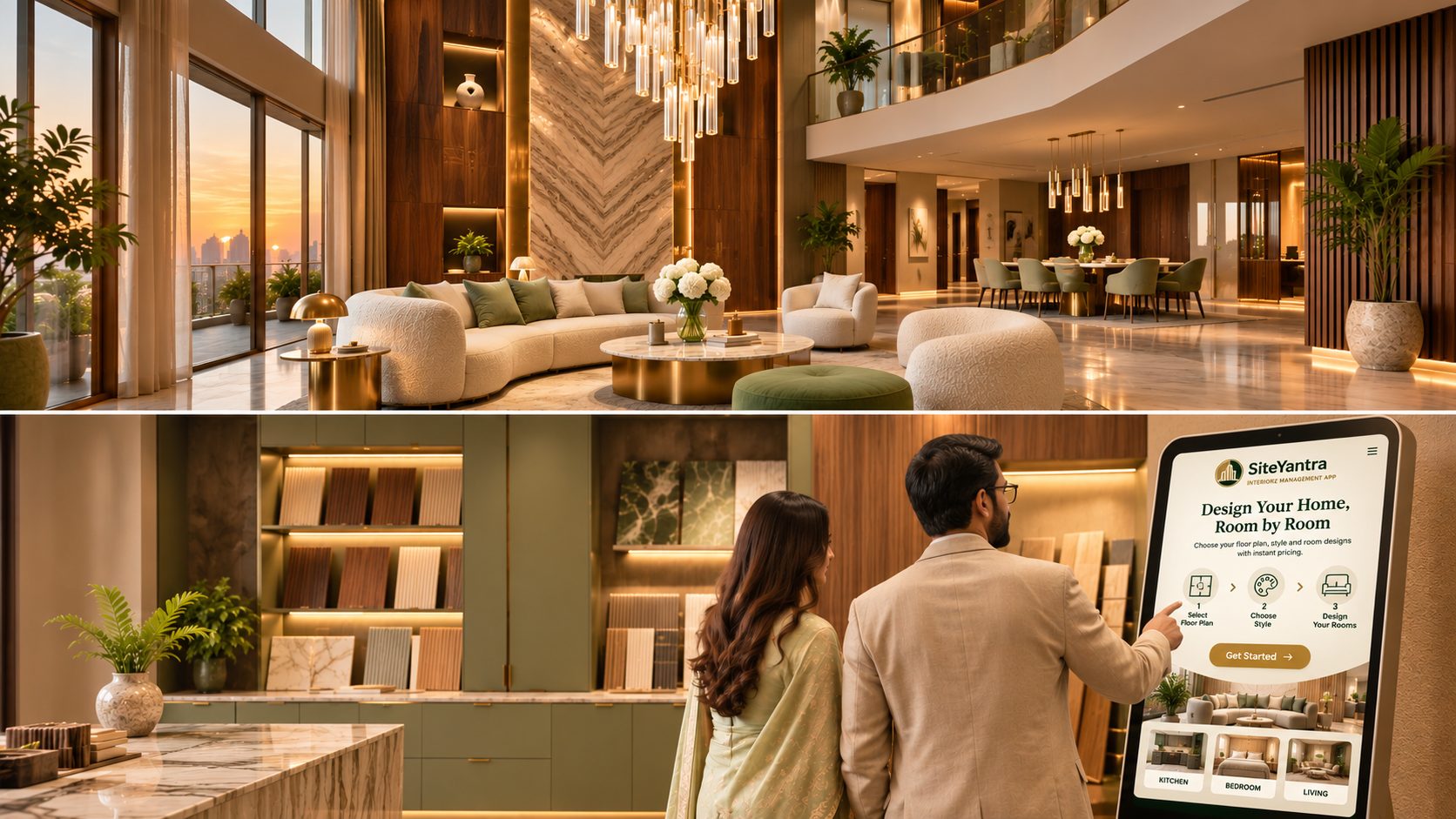

SiteYantra · Interiorz Management App
Beautiful designs. Delivered as promised.
One app for your whole interiors company. Win the client on a kiosk, design with confidence, quote with control, run every site without chasing, and know your money.
The industry problem
Good people. No system.
Interior firms lose time and margin between the drawing and the site. Your team works hard, but the business still runs on Excel, notebooks and WhatsApp.
Lost enquiries
A client waits days for a price and books someone faster.
Instant estimate on the client kiosk
Guessed pricing
Every designer quotes different rates, and the margin leaks quietly.
One rate card, one BOQ engine
Site chaos
Orders, labour and progress are scattered across chats.
Purchase orders, site log and progress
Cash blind spots
Nobody is sure what the client still owes until handover.
Client finance and online payments
One connected journey
From the first enquiry to the final payment
Every step works on the same project, the same rates and the same client, so nothing is typed twice. You get one connected view of the business instead of seven separate tools.
The app, module by module
How your team uses it
01 · Win the client
Your client sells the project to herself
The homeowner finds her own flat on a kiosk in the tower lobby, a tablet in your studio or a link on her phone. She picks a style for each room and sees an indicative price straight away.
- She enters her project, tower, flat number and facing.
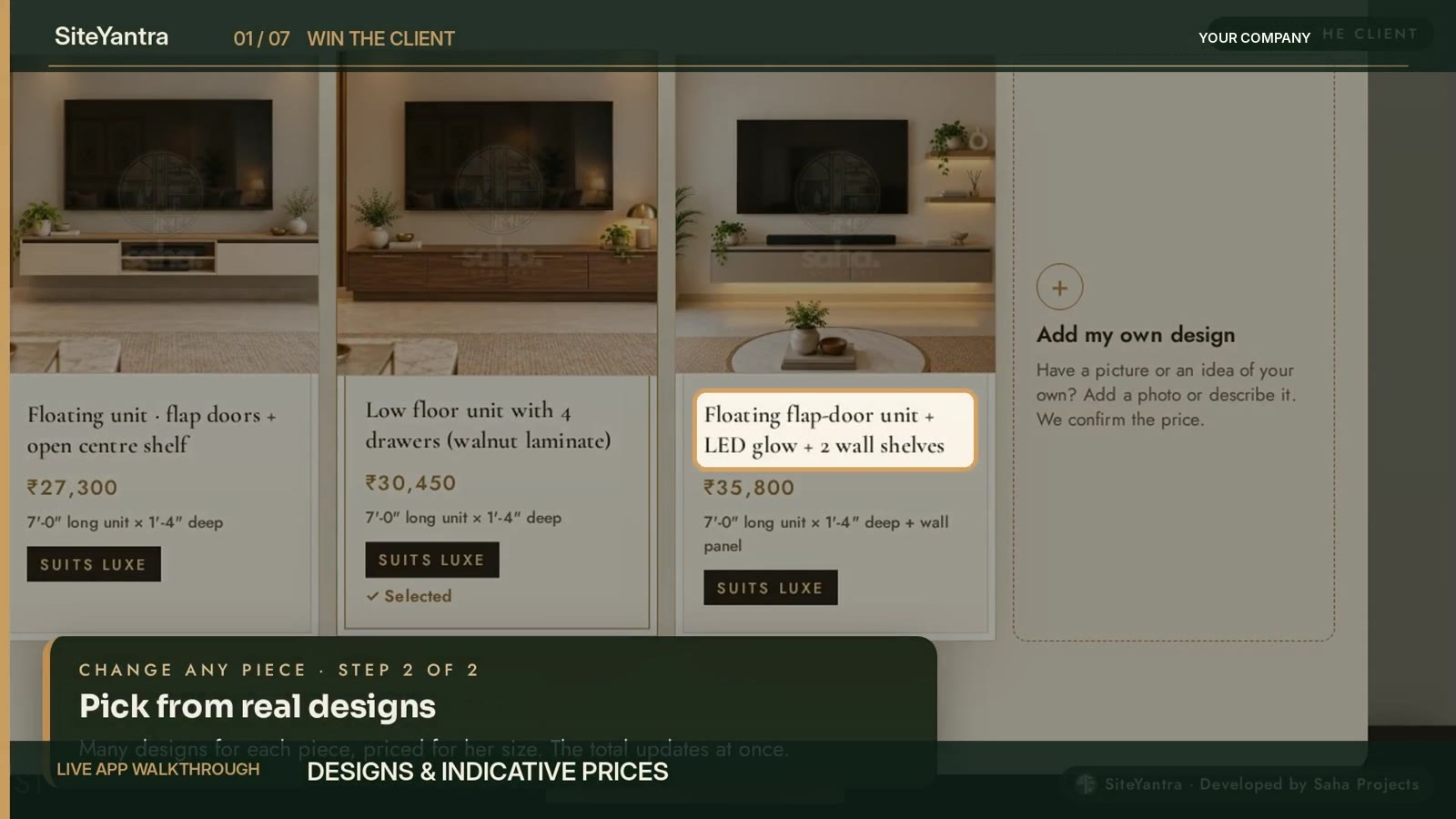
- She goes room by room and picks from real designs.
- The estimate reaches her WhatsApp, and the lead lands in Kiosk Leads.
01 · Win the client
Same-day booking, on one screen
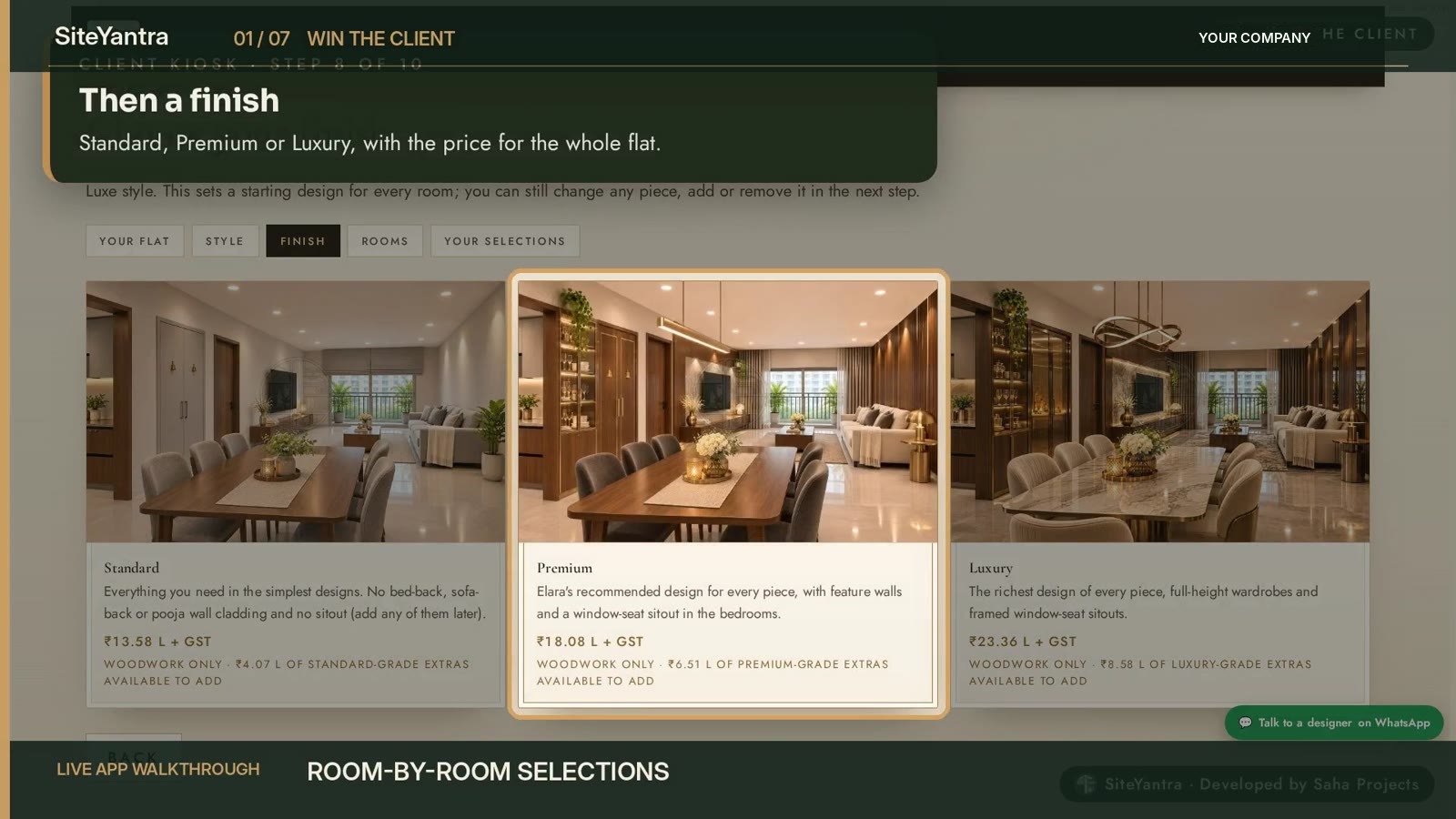
A guided walkthrough of her own flat, materials by brand with the price updating as she picks, her own reference picture priced too, and the booking amount paid online.
- Home walkthrough, room by room.
- Laminates and hardware by brand, priced live.
- Finalize the design and pay the booking amount.
02 · Design
Start where the client already is
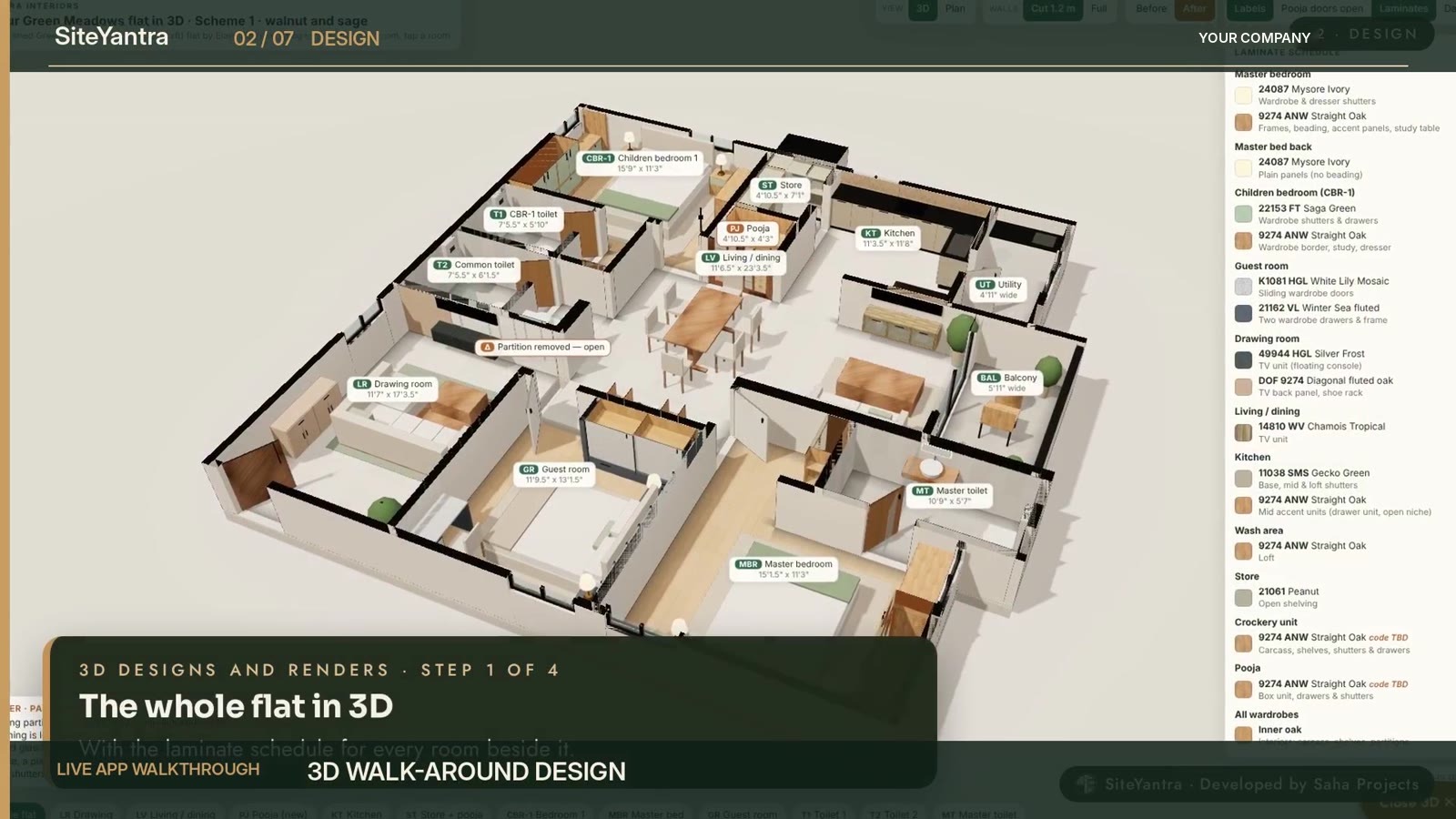
Design Studio opens the lead’s kiosk choices, so your designer refines them into the final design instead of starting from a blank page.
- Design Studio with measured drawings.
- 3D views of the whole flat and a space planner.
- Laminates, hardware and design catalogues with prices.
02 · Design
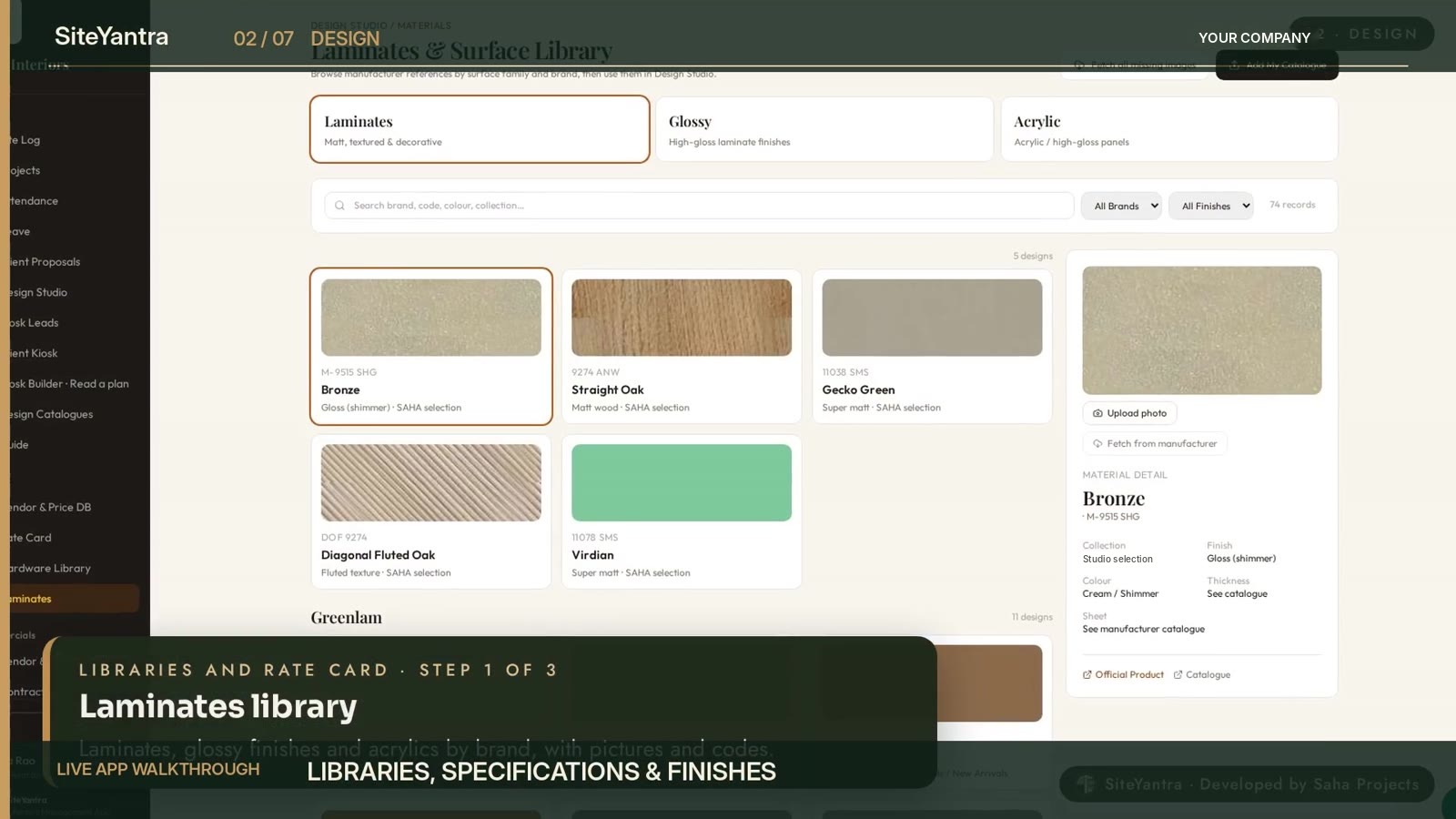
Your materials and rates, in one place
Every laminate, finish and fitting lives in a library with its brand and price, so every design and quote uses the same materials and rates.
- Laminates library with brand prices.
- Hardware library and rate card.
- Catalogues by room, element and style.
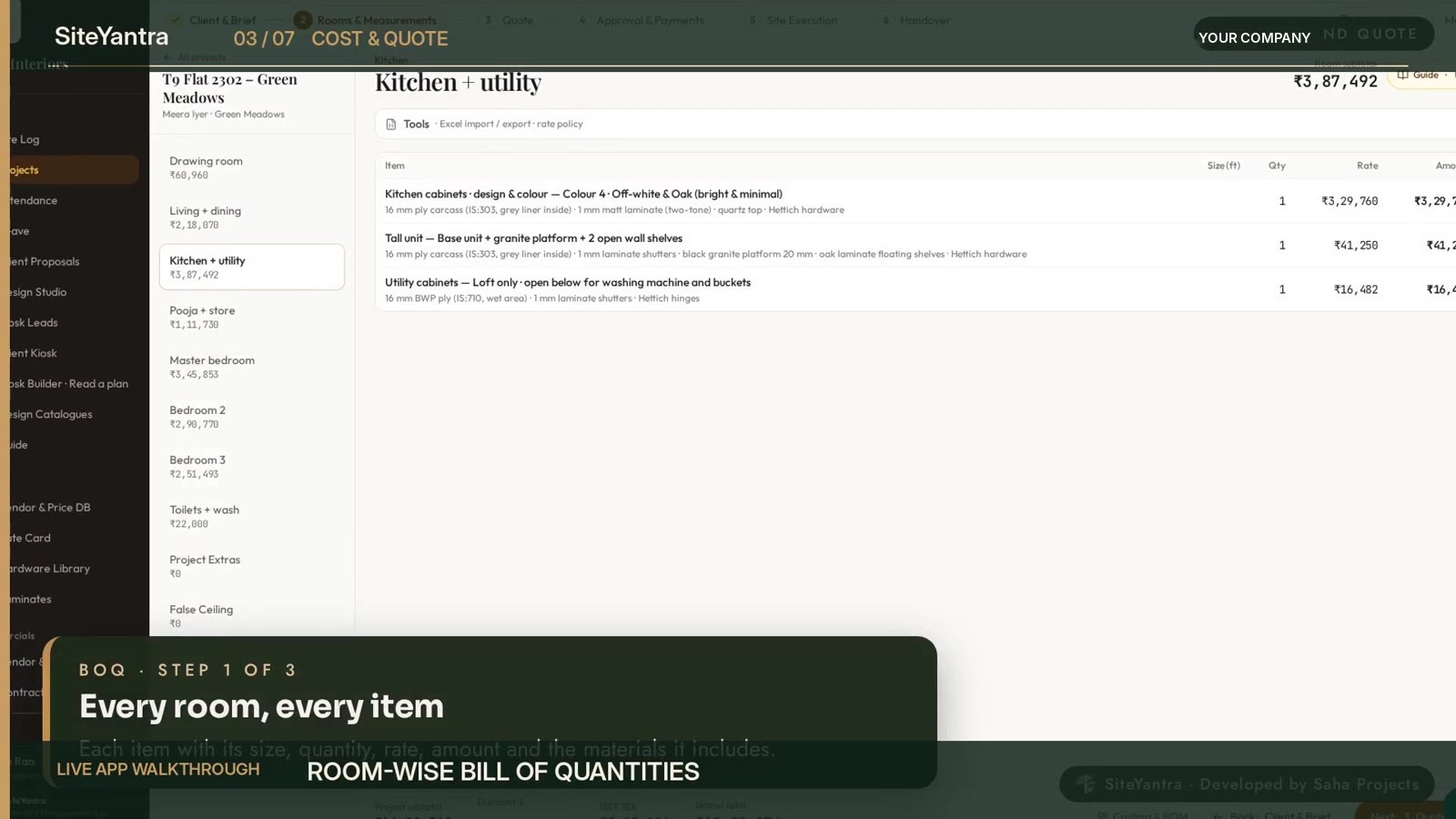
03 · Cost and quote
Know the number before you commit
The BOQ builds itself from the design. Every item is measured and priced from your rate card, your libraries and your vendor price database.
- A room-wise bill of quantities from the design.
- Excel in and out, so your team keeps its formats.
- A branded quote PDF in one click.
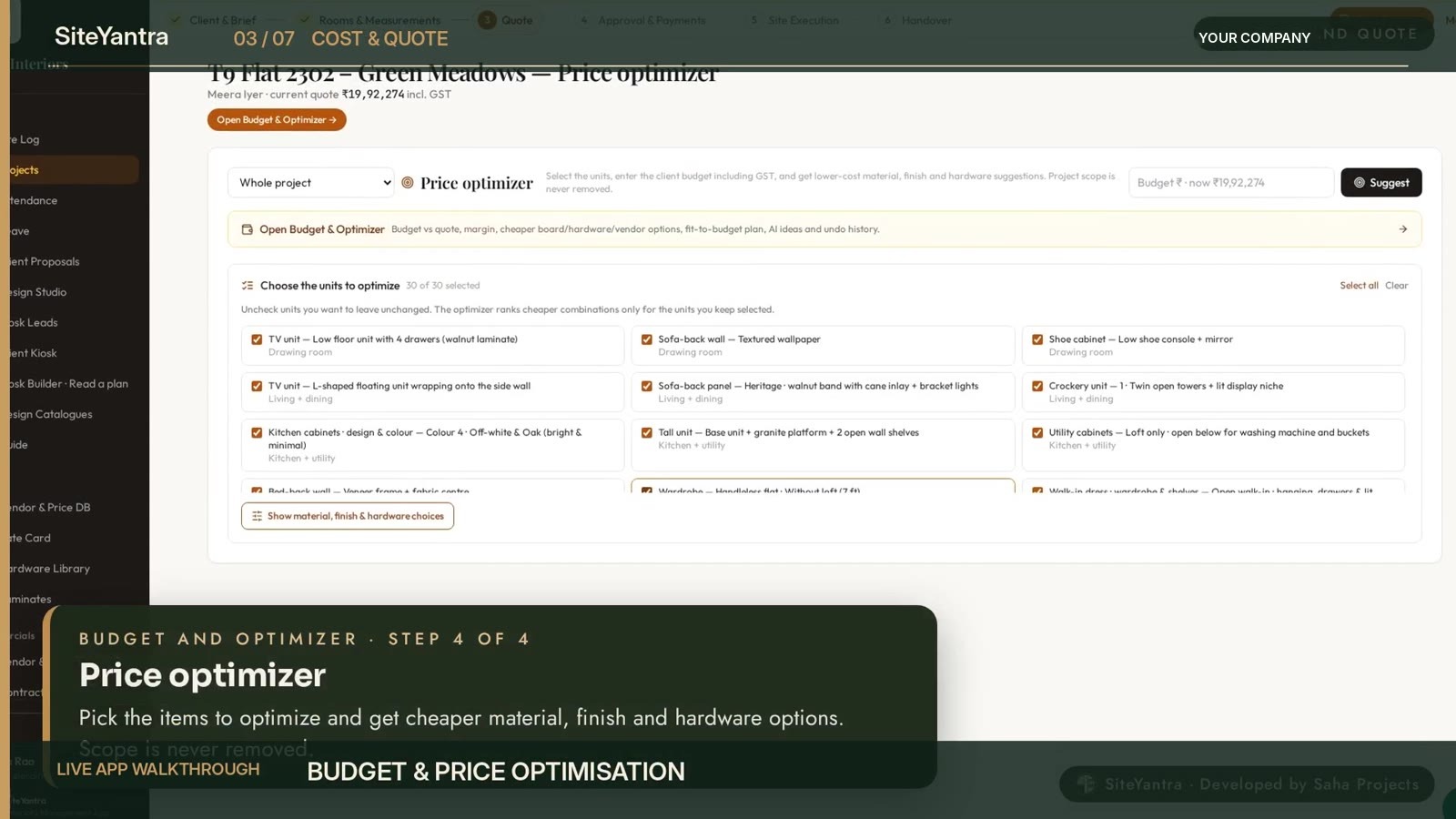
03 · Cost and quote
Fit the quote to her budget
The Budget and Optimizer compares the quote with the client’s budget, your cost and your margin, then suggests cheaper materials, finishes and hardware.
- Set the client’s budget.
- Pick items to optimise.
- Choose alternatives that keep your margin.
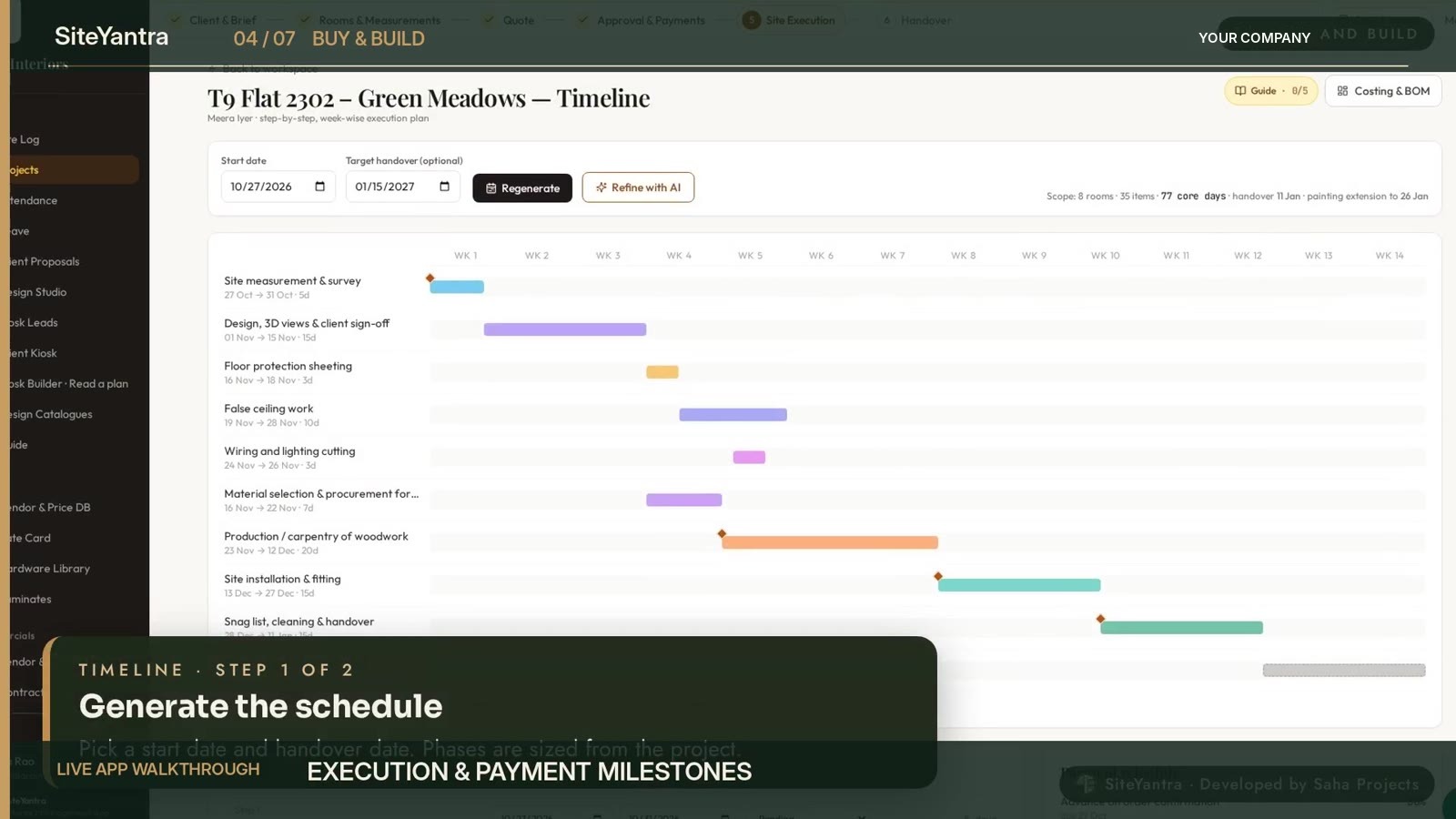
04 · Buy and build
Know what is happening on every site
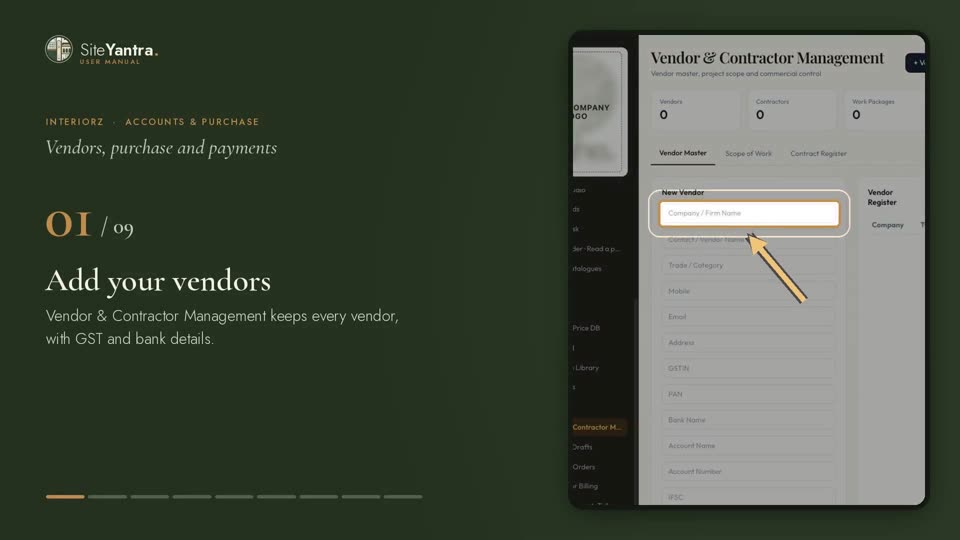
Vendors, contracts, purchase orders, inventory, contractor billing, painting, site expenses and documents all live with the project.
- Raise purchase orders from the BOQ and track delivery.
- Plan every stage and track progress against it.
- Check contractor bills against the work done.
05 · Money
Visibility before the final bill
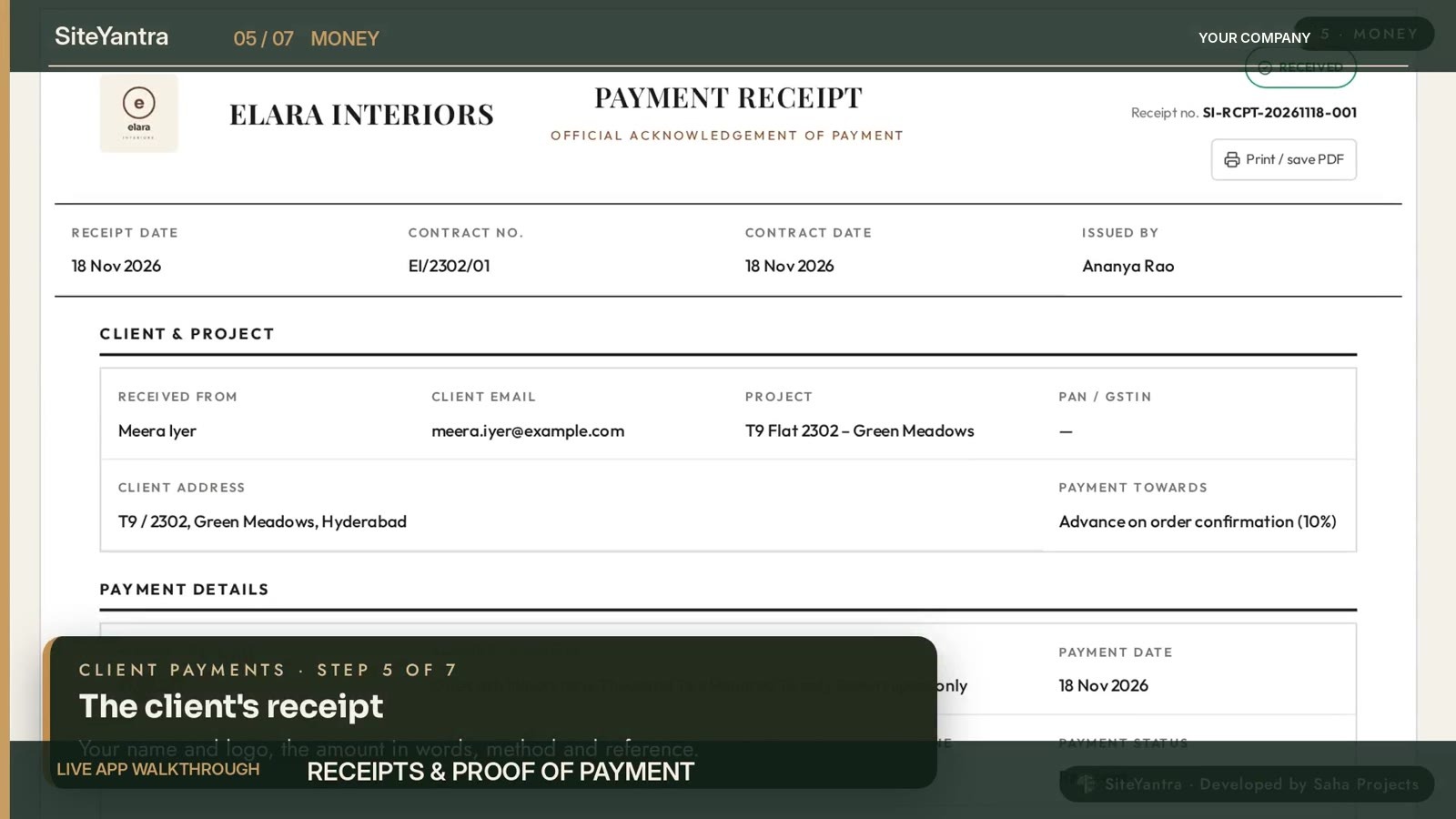
Contract value from the approved quote, scheduled collections, receipts and dues sit on the same project. Clients pay online through Razorpay, and accounts go to Tally or Zoho.
- Contract and payment terms from the approved quote.
- Record a payment and send the receipt.
- See the balance and schedule on every receipt.
06 · Team
A connected team. A calmer owner.
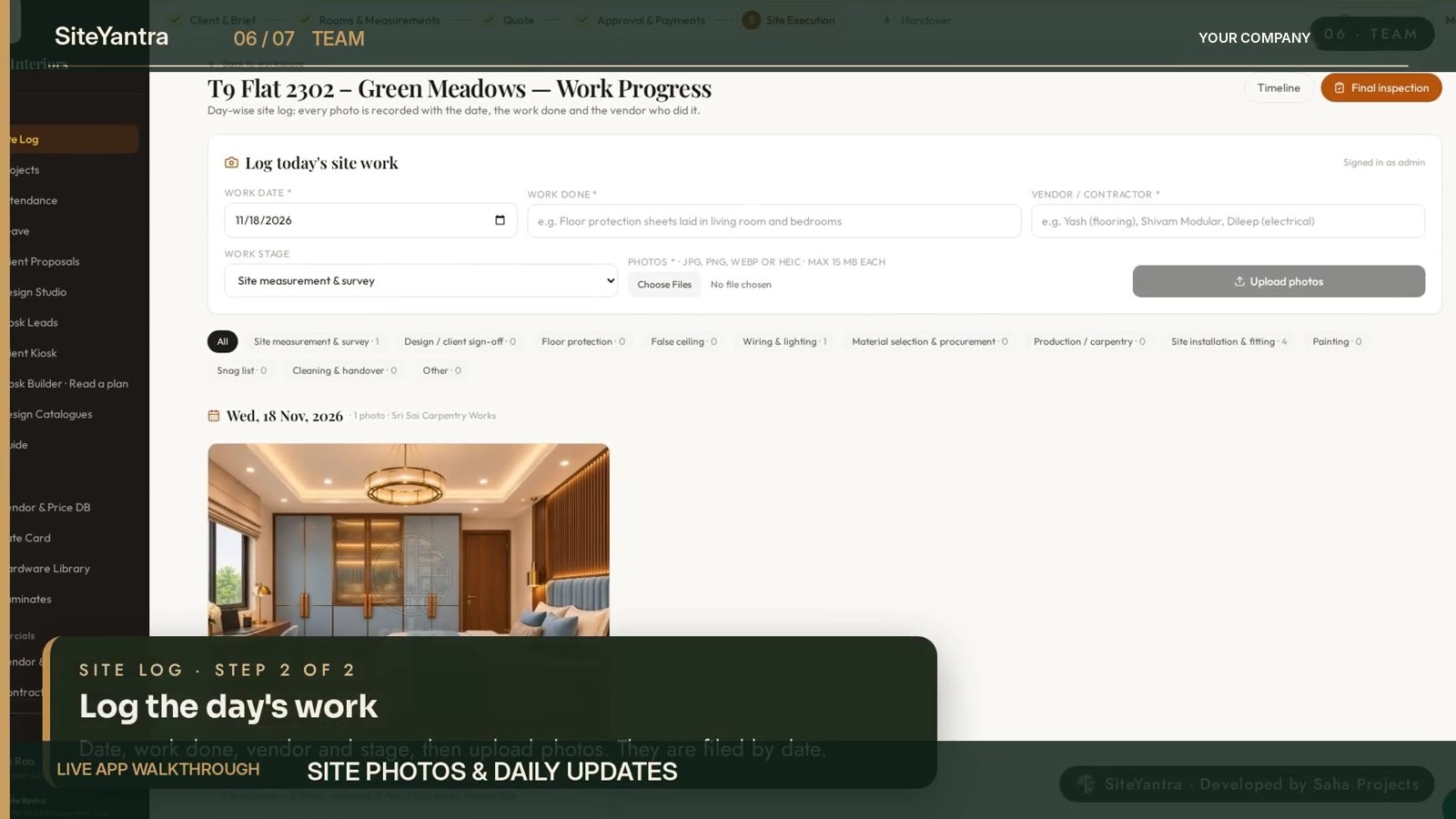
Site photos and daily updates, attendance and leave, project chat, an AI assistant you can ask about any figure, a WhatsApp bot for follow-ups, and an Android and iPhone app for the site team.
- Log the day’s work with photos.
- Check in at the site.
- Ask the app about any project in plain words.
07 · Admin and control
Your brand. Your permissions. Your platform.
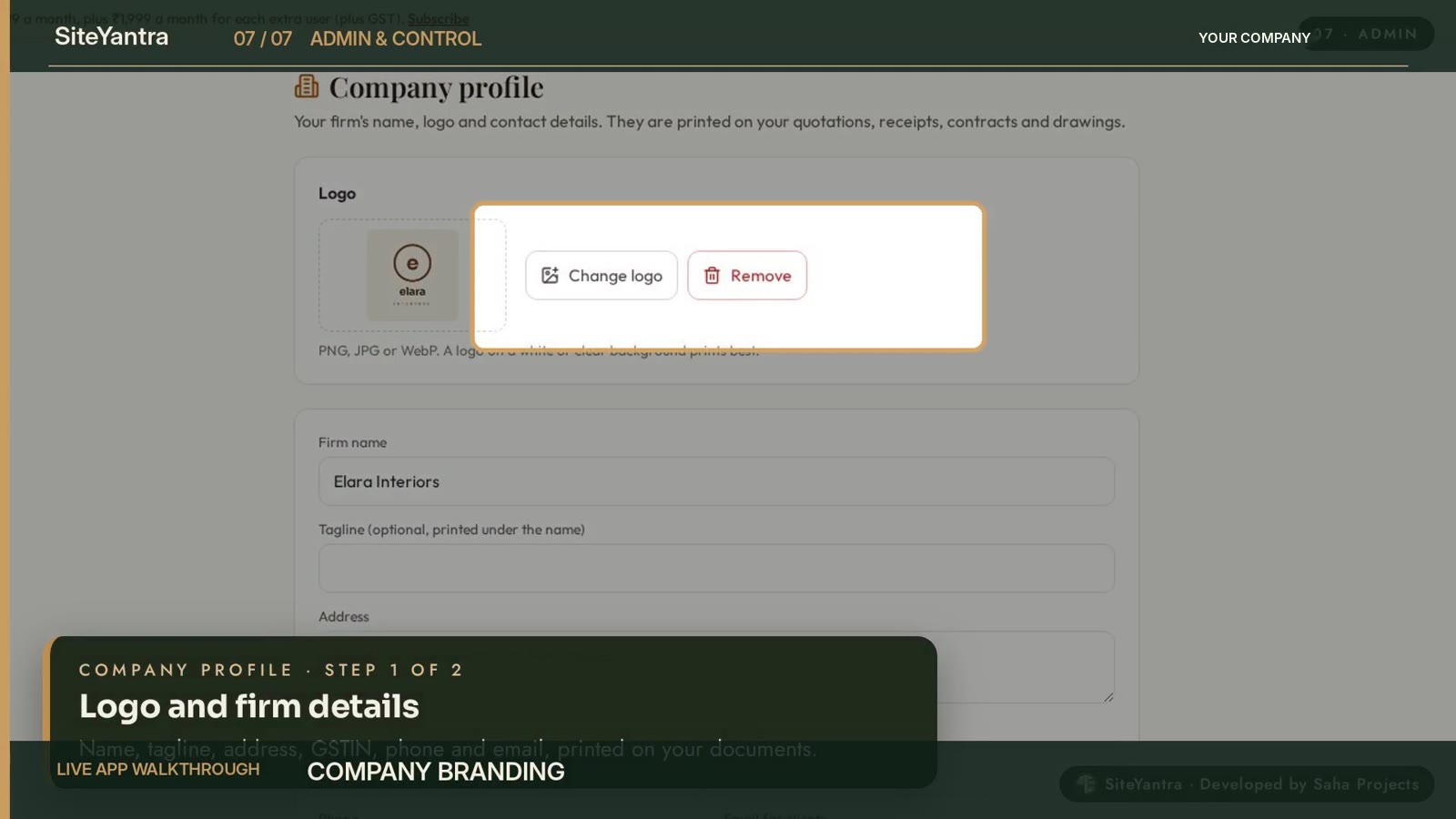
Role-based access, your firm’s logo on kiosks, quotes and receipts, separate companies from one login, AI cost visibility and system health.
- Decide what each role can see and do.
- Add your logo and firm details.
- Run more than one company, with data kept apart.
Watch
More to watch
Client Kiosk, start to finish · 42 secA homeowner designs her 3 BHK and gets the estimate on WhatsApp.
Beautiful spaces. Better business. · 6 minThe full Interiorz story, from the first enquiry to the final payment. English.
Why it matters
What changes for an interiors company
| Area | Before | With SiteYantra |
|---|---|---|
| Sales | A quote after days of back-and-forth | A price on the kiosk the same day, and a booking paid online |
| Margin | Each designer quotes different rates | One rate card and one price database for every quote |
| Site | Updates lost in WhatsApp groups | Site log, progress and expenses on each project |
| Money | Payments tracked in notebooks and sheets | Client finance in the app, exported to Tally or Zoho |
| Control | The owner chases people for status | Every project, lead and payment on one screen |
User manual
Every login has its own video guide
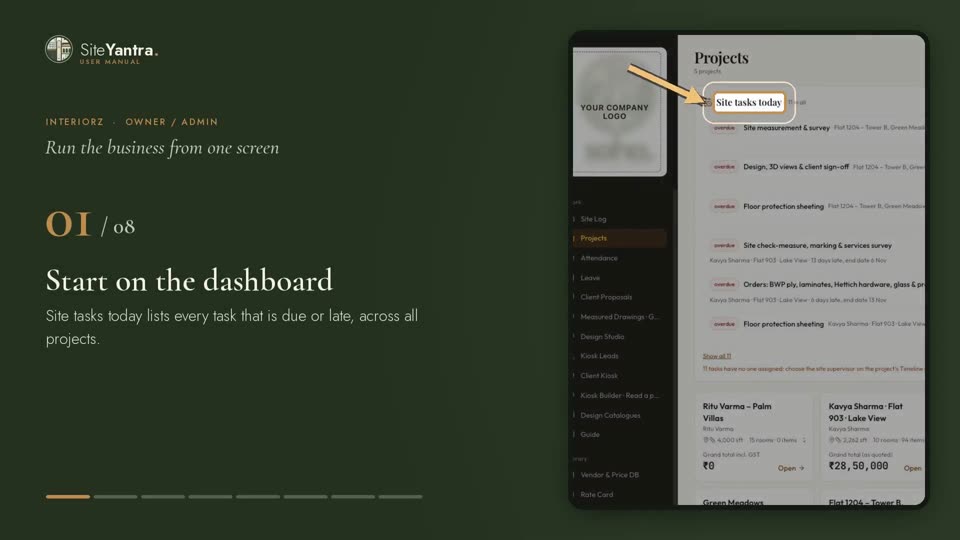
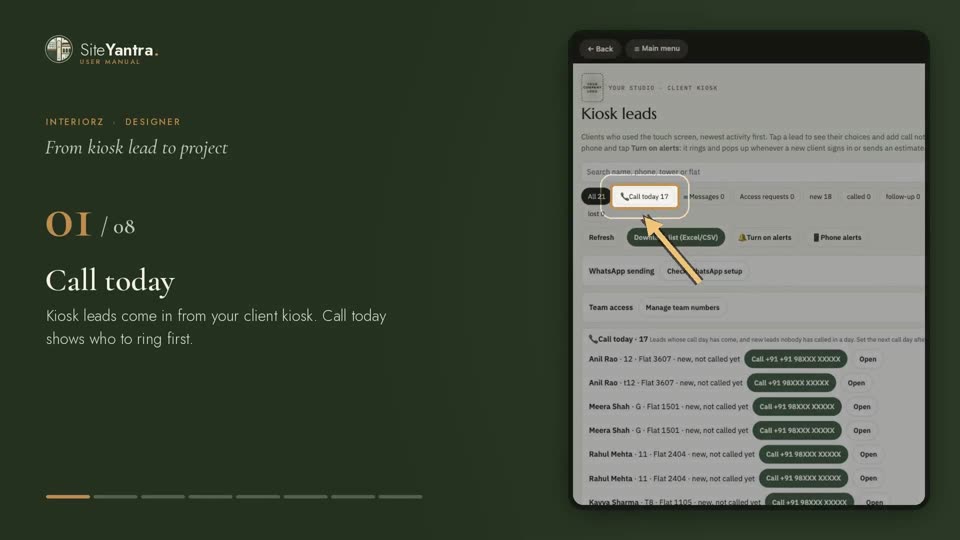
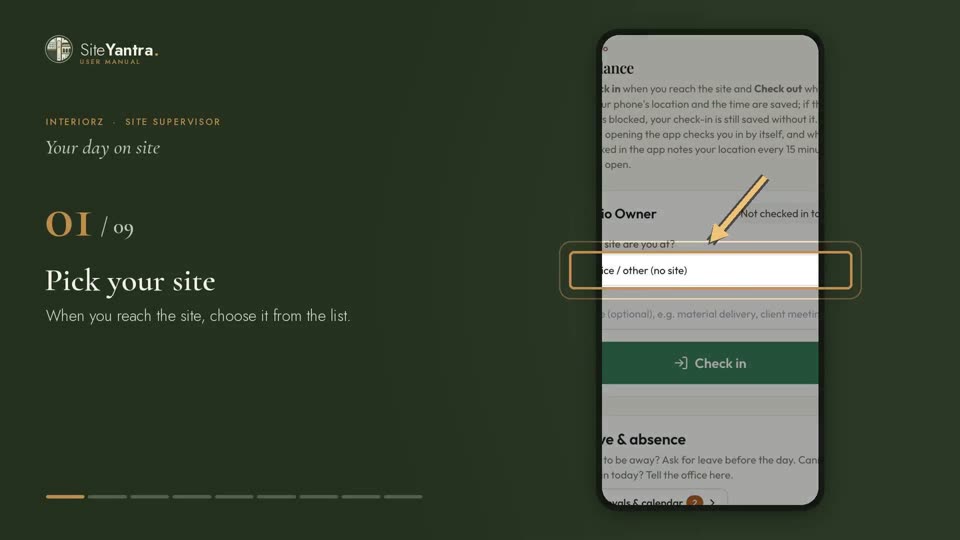
Seven short videos, voiced and step by step, for the owner, designer, site supervisor and accounts team.